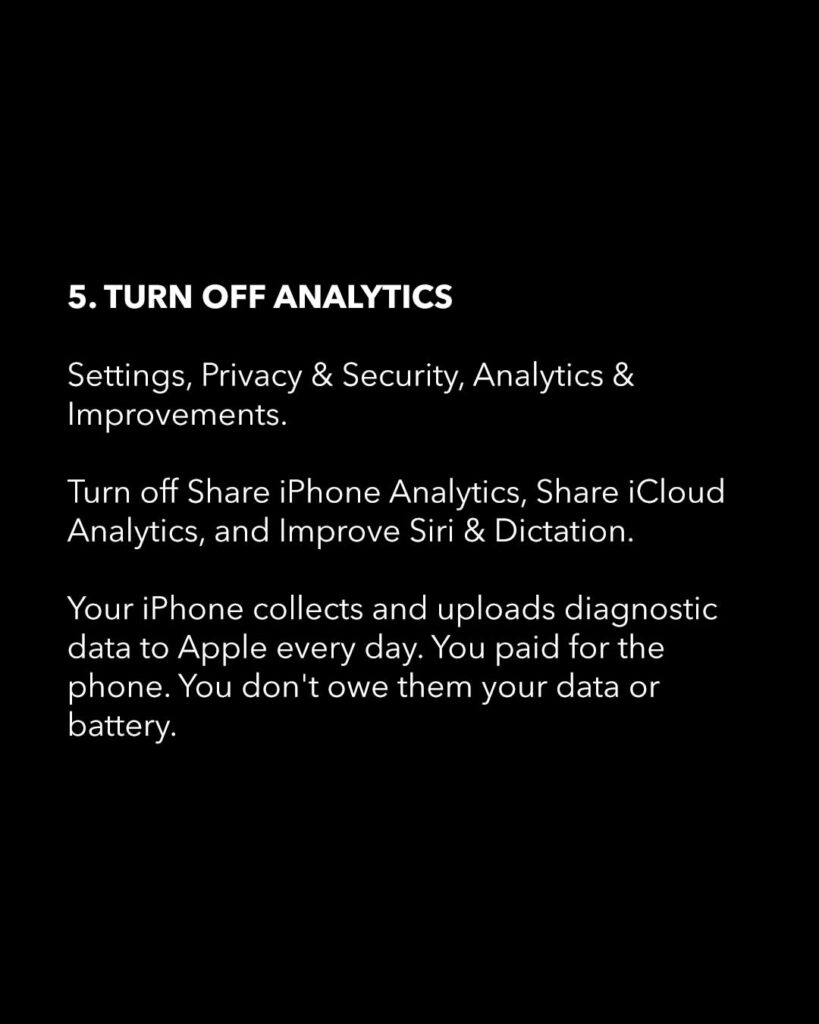
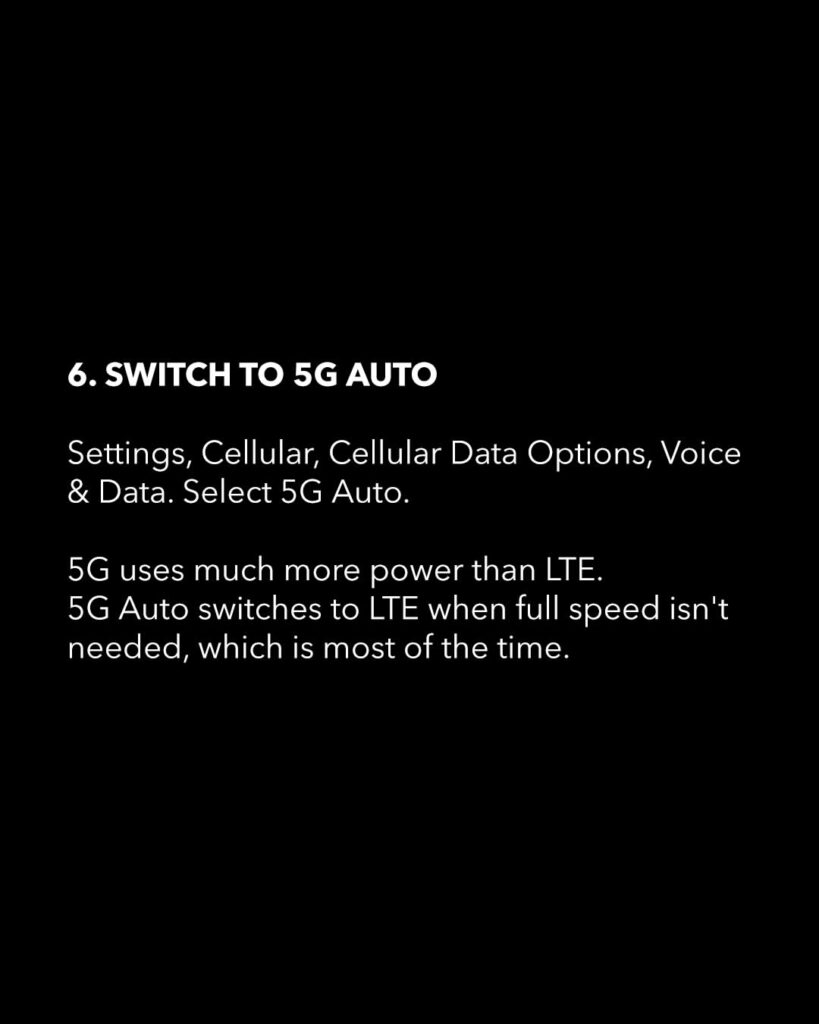
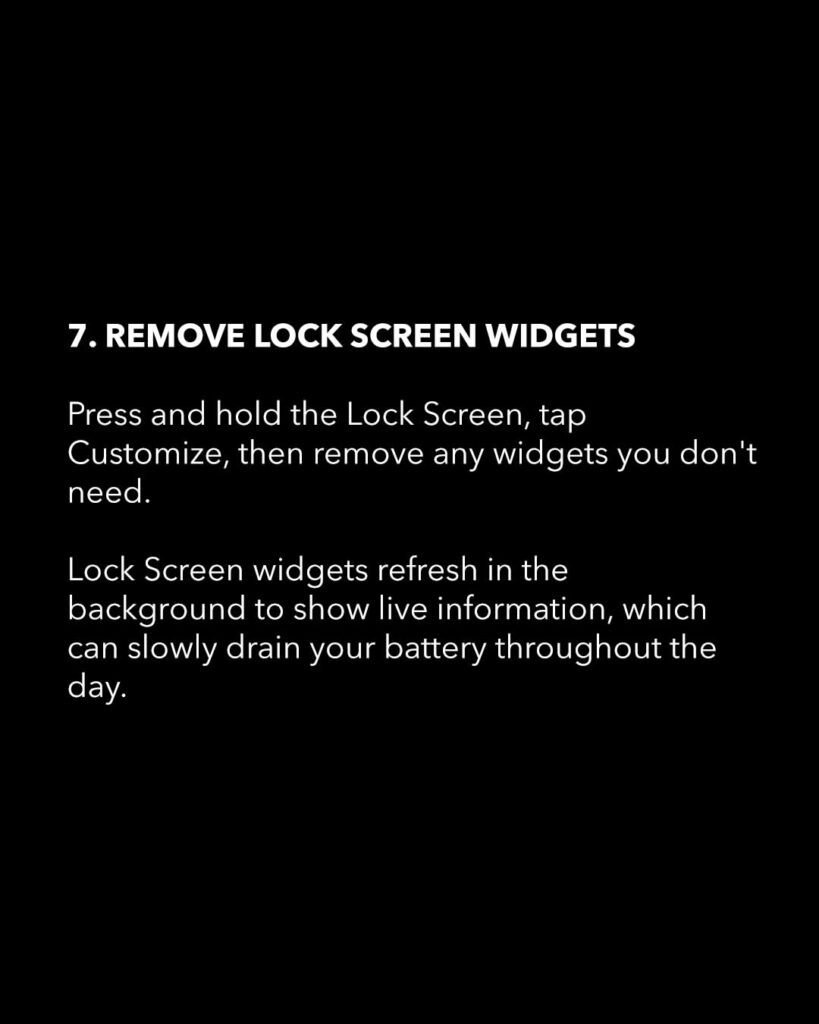
Why Your iPhone Battery Dies So Fast—and 7 Settings That Can Help
Here’s a cleaner, more engaging version with a tech-journalism tone:
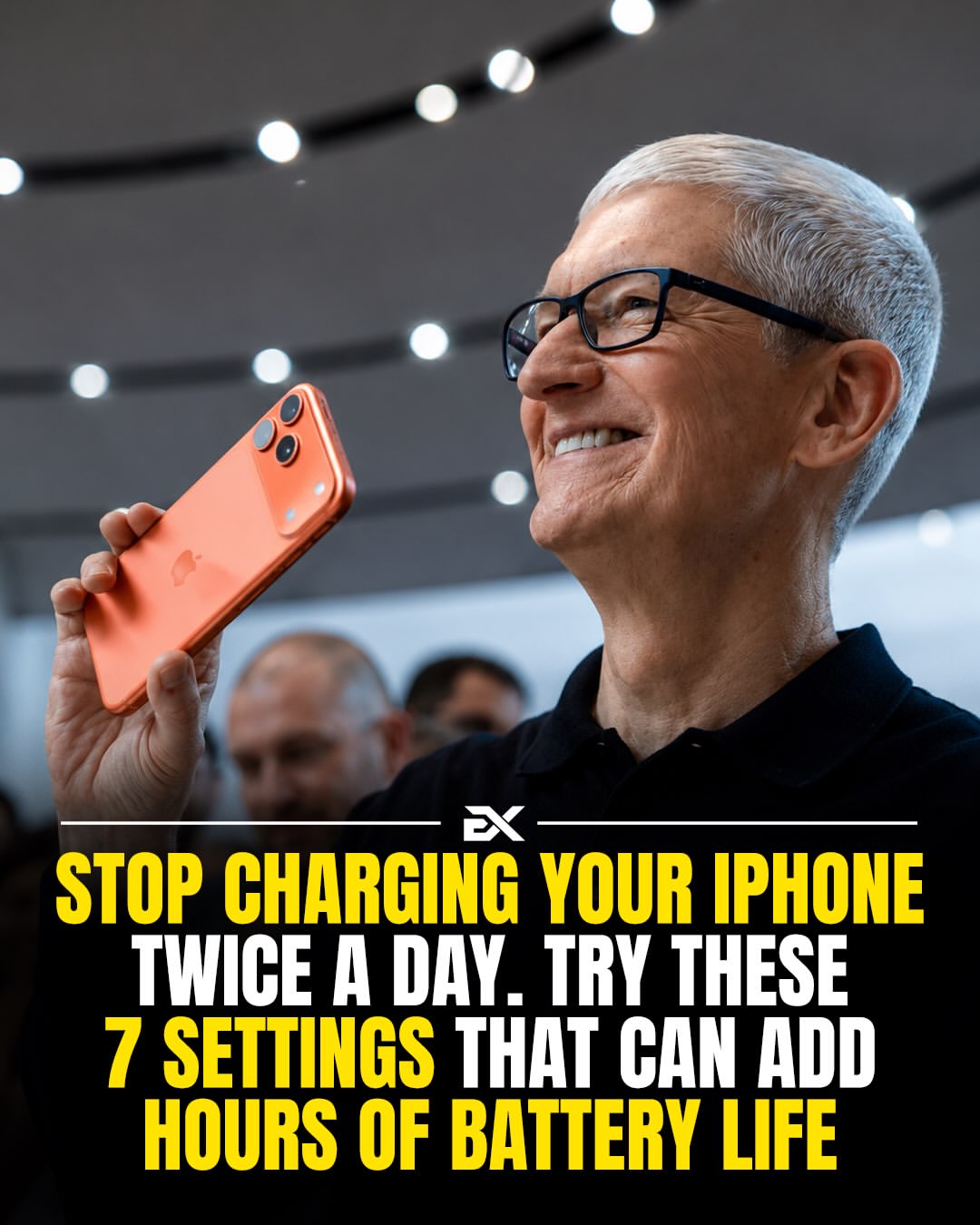
If your iPhone is running out of battery by mid-afternoon, the battery itself may not be the problem.
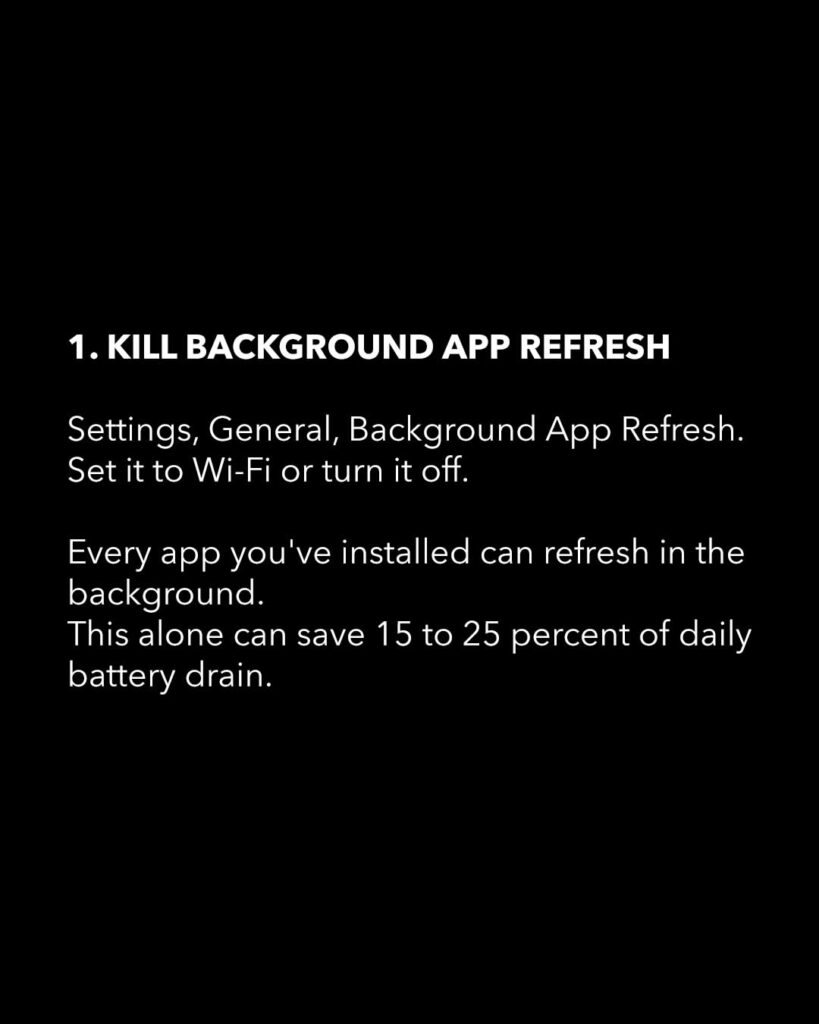
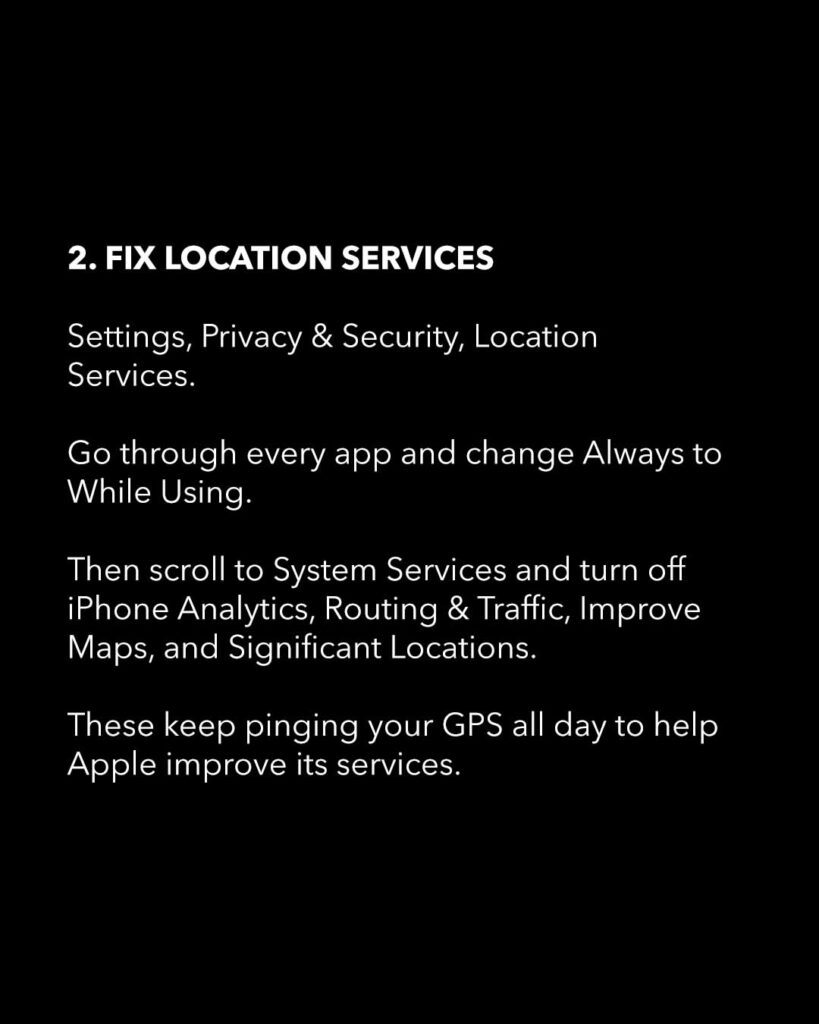
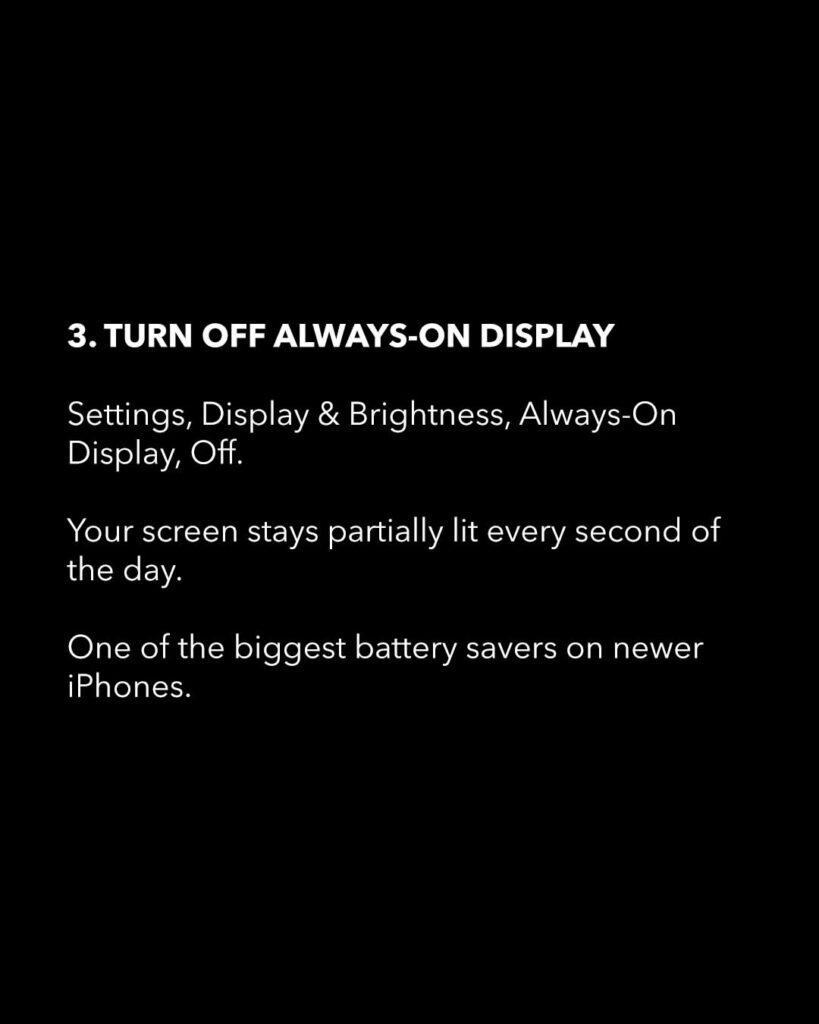
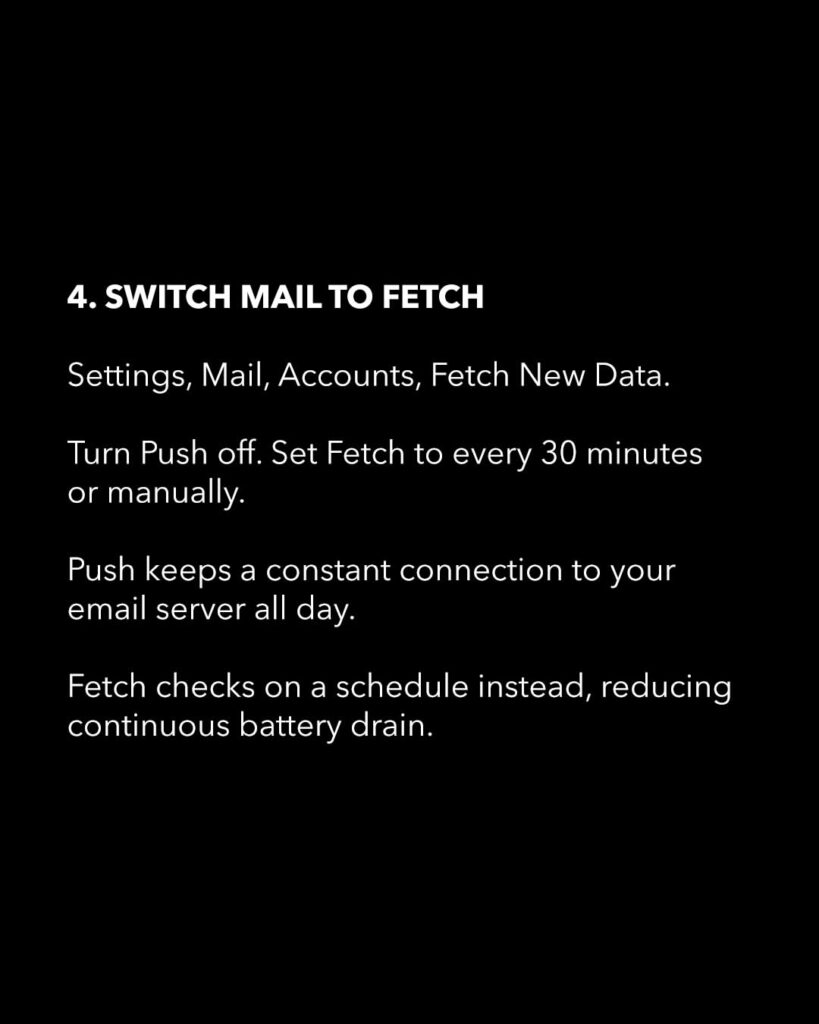
Hidden settings like background app activity, location services, notifications, tracking, and display features can quietly drain power throughout the day—even if you rarely use them. The good news: you may not need a new iPhone or a battery replacement to see a noticeable improvement.
A few quick adjustments can help your battery last significantly longer between charges. Here are seven iPhone settings to check if your battery seems to disappear faster than it should. Save this guide before you’re searching for a charger at 1%.